
WordPress Website: Make Sure SEO Is Part of the Plan
WordPress website SEO is easier to support when page structure, content and measurement are part of the initial plan. Adding a plugin after launch cannot repair a confusing service structure or missing information on its own.
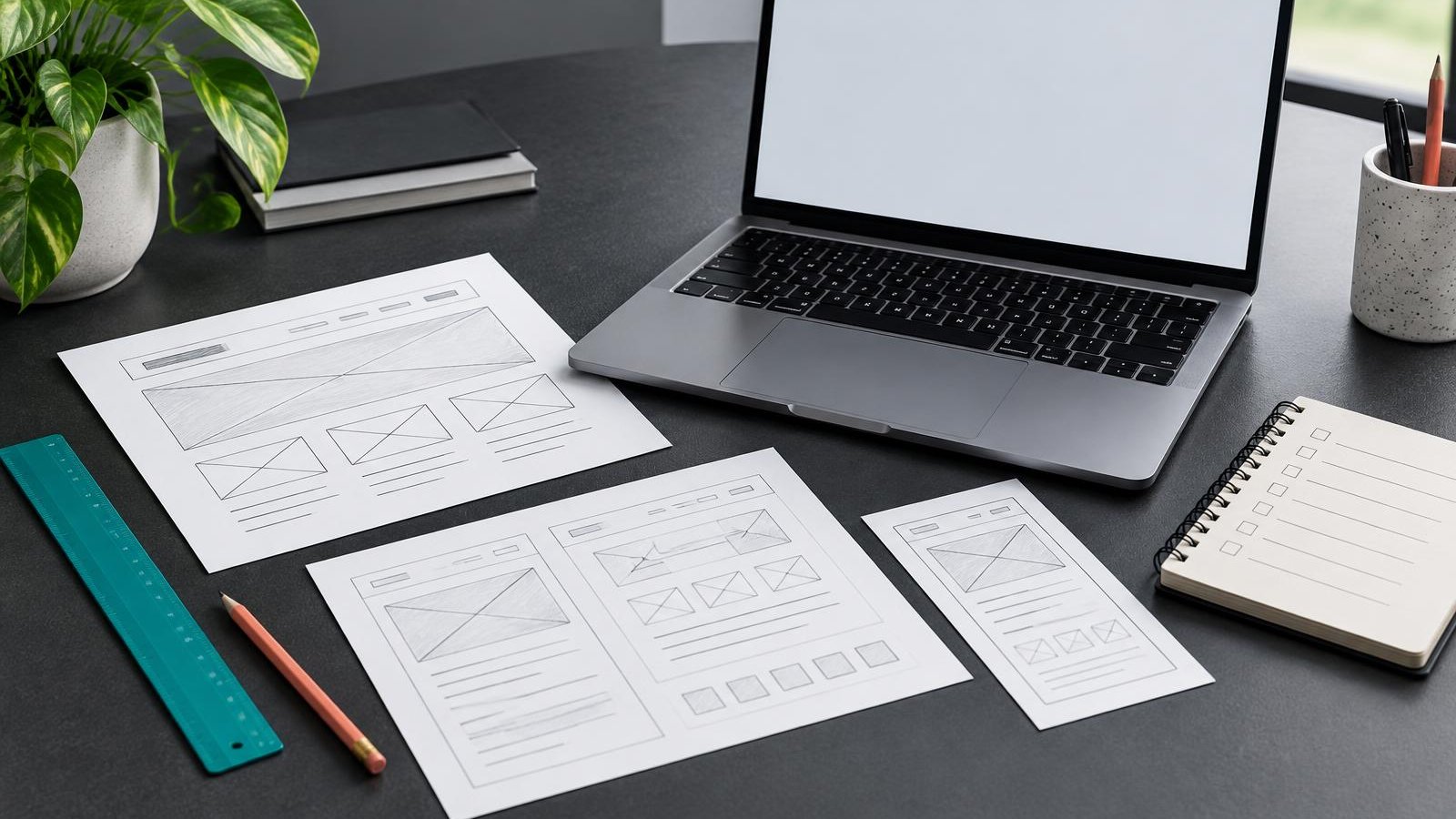
WordPress website SEO is easier to support when page structure, content and measurement are part of the initial plan. Adding a plugin after launch cannot repair a confusing service structure or missing information on its own.
This guide is a pre-launch planning checklist for business owners and their delivery teams. It complements platform comparisons and detailed speed guides rather than replacing them. The aim is an SEO-friendly WordPress website that helps visitors understand the business and gives search engines dependable access to its useful pages.
Plan pages around genuine customer tasks
List what a visitor needs to understand before contacting or buying from you. Map those tasks to a clear homepage, service or product pages, useful supporting information and a contact journey. Keep distinct services separate when their scope and questions differ; avoid producing pages merely to target slight keyword variations.
Decide navigation and internal linking before designing every screen. Important pages should be reachable through understandable labels, not hidden in a visual animation or an unlinked archive. Link related explanations where they help visitors move forward.
Write the content brief alongside WordPress website design. Reserve space for real information, such as service scope and preparation, rather than assuming everything can fit into a slogan. Use verified business facts and genuine evidence only.
Choose stable URLs and meaningful heading structure
Use readable permalinks that reflect the page subject. Confirm the structure before launch so you are not changing public URLs immediately afterward. If this is a replacement website, inventory the existing addresses and plan appropriate redirects for pages that genuinely move. Do not send every old URL to the homepage.
Give each content page a clear main heading and use subordinate headings to organise the explanation. Headings should describe sections, not simply provide a convenient font size. In Elementor, check the actual heading tags rather than judging hierarchy from their appearance.
Assign unique titles and descriptions that accurately describe each important page. A plugin can help edit these fields, but it cannot decide whether several pages duplicate the same intent. Review the structure and content together before finalising the metadata.
Build mobile usability and performance into delivery
Test real tasks on smaller screens: reading service details, opening navigation, using telephone links and completing the contact journey. Text should remain readable and controls usable without accidental overlap. A desktop screenshot does not establish that the mobile experience works.
Use an appropriate theme and restrained plugin set. Compress images, avoid unnecessary scripts and check hosting performance. Caching can help, but configuration needs testing so it does not break forms, shopping carts or personalised pages. No single plugin removes every performance issue.
For Elementor SEO, review nested sections, heavy animations, large background media and add-ons that load assets everywhere. Keep visual polish aligned with visitor needs. Consult the existing website speed guide for more detailed performance work rather than treating one laboratory score as the whole launch decision.
Use images and internal links purposefully
Upload images at suitable dimensions and optimise file size. Preserve aspect ratios and reserve layout space so loading media does not move nearby content unexpectedly. Use descriptive filenames where helpful, but do not treat them as a substitute for page context.
Alt text should convey an informative image’s meaning to someone who cannot see it. Decorative images may appropriately use empty alt text. Avoid stuffing keywords into every image description or repeating the full page title when it does not describe the picture.
Check internal links in the rendered page. Descriptive labels help visitors understand the destination. Avoid broken development links or a service card that looks clickable but has no useful destination. Image, text and button links should lead to the intended page.
Verify indexing, sitemaps and structured data
Development sites often use restrictions to prevent unfinished pages being indexed. At launch, inspect the public site’s robots directives, crawl access and canonical URLs. Confirm that legitimate production pages are not accidentally marked noindex and that development addresses are not their canonicals.
An XML sitemap helps describe relevant URLs; it does not guarantee indexing. Check that it contains appropriate production pages and excludes drafts or private destinations. Use Search Console to inspect important URLs and monitor discovery after launch.
Add structured data only when it accurately represents visible content and the business. Validate it for errors, but remember that valid markup does not guarantee a rich result. Avoid fabricated reviews, credentials or schema copied from another organisation.
Use plugins as tools, not as the strategy
A WordPress SEO plugin can support metadata, canonicals, sitemap output and some structured data. Choose a suitable tool, configure it deliberately and avoid running overlapping SEO plugins that emit conflicting tags. Review the output rather than relying entirely on its settings screen.
WordPress technical SEO also involves themes, hosting, access rules and page behaviour. A green content-analysis indicator does not prove the page is useful or indexable. Keep ownership clear so someone can maintain updates and verify changes after launch.
CSSHouse’s WordPress and Elementor development services can connect the content plan with implementation. Discuss SEO requirements before the design is signed off, including existing URLs, critical pages, mobile tasks and how business outcomes will be measured.
Plan structure and search foundations alongside your WordPress build.
Explore WordPress developmentUse a practical pre-launch checklist
- Confirm service scope, page ownership and useful original content.
- Check stable permalinks and any necessary redirects from existing URLs.
- Review one clear main heading and logical subordinate headings per page.
- Verify unique page titles, descriptions and self-referencing production canonicals.
- Test mobile navigation, contact actions and important internal links.
- Optimise images and review informative versus decorative alt text.
- Inspect public crawl access, robots directives and sitemap entries.
- Validate truthful structured data and remove conflicting plugin output.
- Test analytics events without collecting unnecessary personal data.
- Keep backups, update ownership and an agreed post-launch review plan.
Assign each item to a person and retain the evidence that it was checked. A launch checklist works best when it confirms the actual public experience, not simply that someone installed a plugin.
Key takeaways
- WordPress provides useful publishing tools, but content, configuration, themes and hosting still matter. A plugin cannot guarantee rankings or repair an unclear website structure.
- Not inherently. Review heading tags, mobile usability, media weight and unnecessary add-ons. The implementation and the quality of content matter more than the page-builder label.
- Preserve useful URLs where practical. If a page genuinely moves, plan an appropriate redirect and update links rather than redirecting every old address to the homepage.
Frequently asked questions
WordPress provides useful publishing tools, but content, configuration, themes and hosting still matter. A plugin cannot guarantee rankings or repair an unclear website structure.
Conclusion
Plan WordPress website SEO before launch so structure, content and implementation support one another. A clear customer journey and verified technical output are stronger foundations than chasing plugin scores.
Use the checklist with your delivery team and test important pages as a visitor. Keep that review process after launch, because accurate content and dependable maintenance remain essential.
Want this done for you?
Book a free strategy call and we will review your site, your search visibility and your ad accounts, then tell you the three highest-impact things to fix first.
About the author
Gurpreet leads strategy and delivery at CSSHouse Consulting, where he has spent the last decade building websites and search programs for service businesses, SaaS teams and ecommerce brands across India, the UK and North America.
Work with our teamRelated articles

WordPress vs Webflow vs Framer: Which Platform Should You Choose?
WordPress, Webflow and Framer solve different problems, and the right choice depends on your team, budget and growth plans.

Local SEO vs Traditional SEO: What's the Difference?
Local SEO vs Traditional SEO is not a choice between two incompatible systems. Both help people discover useful pages through search. The difference is the geographic context of the customer’s need and the places where your business can appear.

Are Your Business Details Consistent Across the Web?
Business listing consistency means customers encounter accurate information wherever they discover you. If your website gives one phone number and a directory gives an old one, a potential enquiry can disappear before you know it existed.